Contents What is POAS, and why is it more relevant than ROAS?
Everyone is talking about POAS, but what’s actually behind it, and how does it differ from the ROAS you already know? In this post I’ll explain the concept, show you when it pays off, and walk through three common ways to set it up for your online shop.
POAS is a topic for accounts that already run cleanly. If you’re earlier than that, the complete guide to Google Ads for ecommerce is the better starting point.
One distinction up front: POAS is not a new bidding feature in Google Ads. It’s a setup discipline that switches your conversion value from revenue to profit. Google then uses that value in the existing bidding strategies exactly as before (tROAS, max conversion value).
The essentials at a glance
- Why POAS: A high ROAS doesn’t automatically mean high profit. POAS sends the real profit per order to Google Ads.
- What changes in bidding: Smart Bidding bids more aggressively on high-margin orders and pulls back on thin ones. The break-even mark sits closer to POAS = 1.0.
- Setup options: the three common ways are a COGS feed in Google Merchant Center, server-side via Stape, or an all-in-one tool like ProfitMetrics. Other solutions exist alongside these.
What is POAS, and why is it more relevant than ROAS?
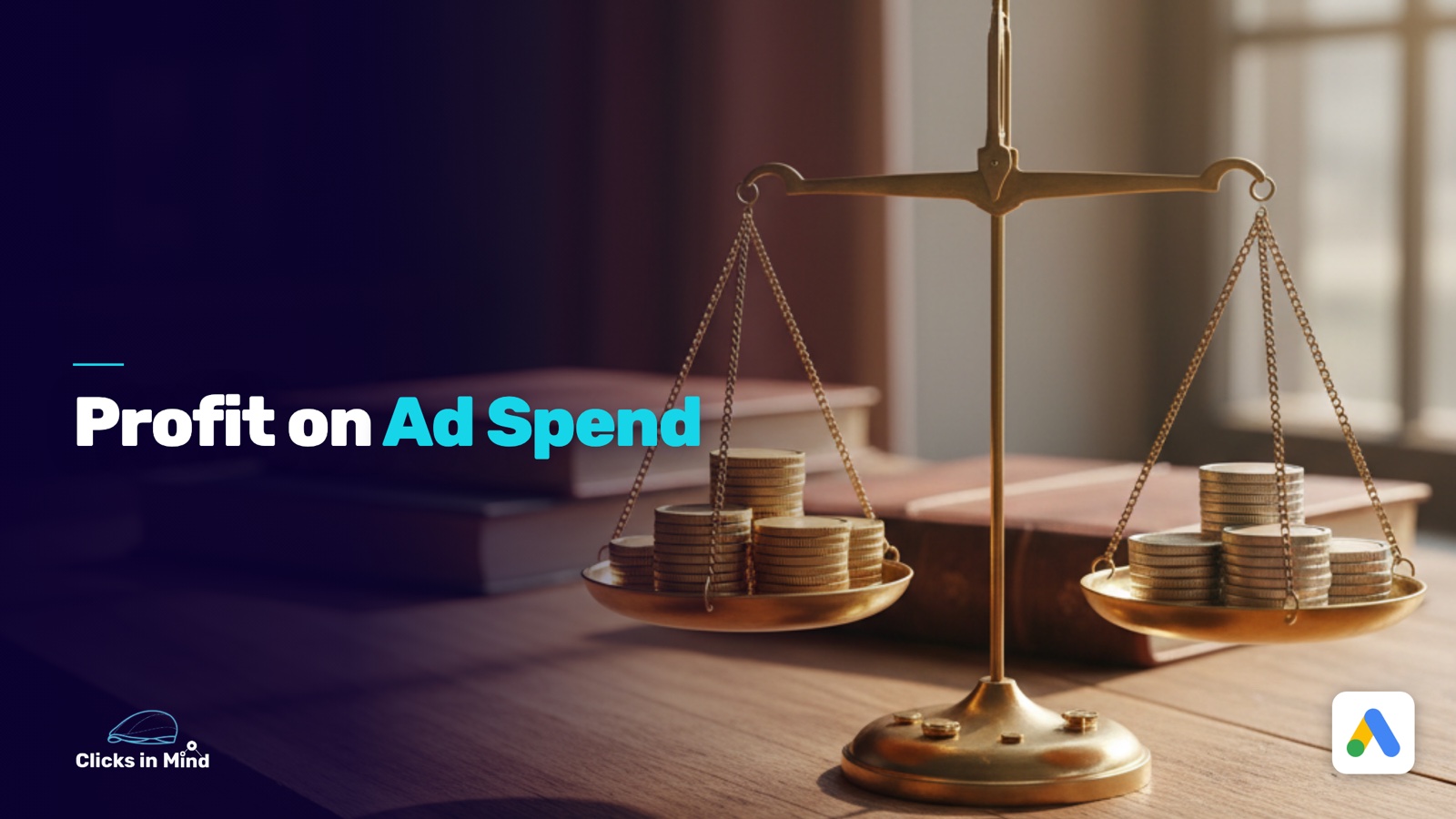
POAS stands for “Profit on Ad Spend” and measures the profit per advertising euro you invest. The formula:
POAS = profit / ad spend
The difference to ROAS sounds small, but it’s structural. ROAS measures revenue per advertising euro. An order with 100 euros of goods counts the same under ROAS whether the shop makes 5 euros or 50 euros on it. Smart Bidding then sees both orders as equally valuable and bids accordingly.
POAS strips the profit out first. The same 100-euro order with 50 euros of profit flows to Google as a conversion value of 50, while a 100-euro order with 5 euros of profit flows in at a value of just 5. Smart Bidding learns from that gap and bids ten times more aggressively on the first kind than on the second.
The second structural advantage: with POAS, the break-even mark always sits closer to 1.0.
At a POAS of 1.0, your gross profit per order is roughly equal to your ad spend, so you’re at plus minus zero. At a POAS of 1.5, you keep 50 cents of profit for every euro of advertising you invest, after ad spend.
That’s far easier to communicate and steer than a ROAS target that can land at 3, 4, or 6 depending on your margin, without anyone being able to name the break-even off the top of their head.
The simple question that explains the whole topic in one sentence: do you want profit or revenue? If the answer is profit (and it usually is), why are you telling Google only the revenue?
When is POAS tracking worth it?
POAS is basically always worth it, because a better data foundation rarely hurts. How big the actual lever is, though, depends on your assortment.
POAS brings the most when you have a large assortment with widely varying margins. In a shop with hundreds or thousands of products and a margin spread of 10% to 70%, an owner can’t reliably hold the overview in their head.
POAS sorts that out automatically at the SKU level and gives Smart Bidding the right signals. It’s similarly relevant as soon as low-margin products are in the mix, because ROAS bidding otherwise values them the same as high-margin ones.
With a small assortment and homogeneous margins, the lever is smaller. A shop with 30 products and margins between 45% and 55% doesn’t need POAS as urgently from a technical standpoint, because the owner has the margin in their head and the break-even ROAS follows clearly from it. POAS wouldn’t be wrong here either, but the effort-to-benefit lever is smaller.
A pragmatic first step for small assortments is margin classes via custom labels in the Shopping feed (for example margin_high, margin_mid, margin_low). Campaigns or asset groups can then be split by margin and steered with different tROAS targets. That’s not POAS, but it covers the same need.
Whichever path you take: you have to know your break-even ROAS. Without that number you can’t set a clean tROAS target, and without a tROAS target every bid is flying blind.
Which costs belong in the profit calculation?
The goal of a POAS setup is the best possible approximation of the real profit per order. To get there, you strip out every cost that’s directly tied to an order.
The biggest block is the cost of goods (COGS, cost of goods sold) per product. Without this data, no profit calculation makes sense. On top of that come shipping costs for the part you carry yourself, a return rate either as a historical value per category or as a flat deduction, plus payment fees, which run roughly 1 to 3% of the order value depending on the payment method.
If you can cleanly allocate packaging costs, variable storage costs, or a share of fixed costs to orders, those flow in optionally as well. In most setups, though, fixed costs can’t be cleanly allocated per order, so the POAS calculation stays at the contribution-margin level. That’s still far more precise than ROAS, which factors in none of it.
You want more results with Google Ads?
Get a free Google Ads Reality Check: a compact video (about 10 minutes) showing where budget is slipping away in your account and what to change.
Get your Google Ads Reality Check →
Which common ways are there to set up POAS?
You can approach a POAS setup in many ways. Below I’ll walk through three common variants you can orient yourself by. There are other solutions alongside these, like Channable for margin labels, smec for larger setups, or your own server-side build. Which path fits depends on your technical setup and how much you care about owning your data.
Way 1: COGS feed in Google Merchant Center
On this path you hand Google the cost of goods per SKU through the cost_of_goods_sold attribute in the product feed. Google links the COGS values to the items sold from your conversion events and calculates the profit itself.
The requirements, per the official Google documentation, are the cost_of_goods_sold attribute in the product feed plus a setup for “Conversions with Cart Data” (so cart data in the conversion event).
The normal conversion tag isn’t enough. You also have to send the purchased items to Google with item_id, otherwise Google can’t assign the COGS to the right products.
One thing to get right: item_id in the feed and in the conversion event have to match exactly, otherwise Google reads every order with “COGS 0”.
If you don’t have exact COGS data per product, Google’s documentation says you can set a flat estimate, for example 80% of the sale price as COGS, so a flat 20% margin.
Three points are critical on this path.
First, the cart-data setup, which many shop systems (Shopify, Shopware, WooCommerce) don’t deliver by default and which first has to be set up cleanly through plugins or GTM adjustments. Without clean cart data the whole path runs into nothing.
Second, the data-ownership question, because Google gets full insight into your margins. Whether that’s a problem depends on the trust you have in the platform.
Third, what works in this setup is primarily profit reporting, not profit bidding. Smart Bidding still optimizes on the conversion value (revenue) in the tag. For real POAS bidding you’d additionally have to replace the value, and that’s what Ways 2 and 3 do.
Way 2: Server-side via Stape
On this path the profit value runs through a server-side GTM container that replaces the original conversion value (revenue) with the calculated profit before it goes to Google. Google then sees the profit value directly in the conversion event.
The concept is described in the Stape documentation. Simplified, you need a server GTM container (hosted at Stape or self-hosted), a database for the product margins (something like Google Firestore), and a custom variable in the server GTM that pulls the margin value for each order and overwrites the conversion value.
The big advantage is data ownership. Google sees only the final value, not the margin structure behind it.
On top of that, the setup is fully bidding-capable: the replaced conversion value is used directly by Smart Bidding, not just in reporting. Server GTM also lets you run other enrichments in parallel (Enhanced Conversions, Customer Match).
The price for that is a higher setup effort. Setting up a server GTM container and the database is not a lunch-break project and needs someone with GTM experience. On top come ongoing costs for the Stape hosting and the Google Cloud fees for the database.
Way 3: All-in-one tools like ProfitMetrics
On this path a specialized tool takes over the entire POAS workflow: importing the COGS data from the shop, calculating the profit value per order, setting up server-side tracking, and replacing the conversion value sent to Google.
One of the established tools is ProfitMetrics, with native integrations for the major shop systems and its own POAS dashboard. The pricing is usage-based and scales with the number of orders, not with a fixed feature tier. Entry starts in the low double digits per month. At a larger order volume it gets more expensive accordingly. A 14-day trial is available.
The main advantage of these tools is the low tech effort. Setup, data flow, and value replacement are largely prebuilt, which makes sense above all for shops without their own tech team.
On top of that there’s usually a separate POAS dashboard that makes the profit data visible outside Google Ads too, often at the SKU level. Advanced features for conversion optimization and prediction-based bidding are frequently in the package.
The downsides are vendor dependence (switching later is a hassle) and the ongoing costs, which tend to run higher than a self-hosted Stape setup.
How do you cleanly switch from ROAS to POAS?
The most dangerous mistake in the POAS switch is the abrupt change from one day to the next. Smart Bidding has spent weeks or months learning toward the revenue value.
A sudden switch to a value that’s only a fraction of that (profit is always smaller than revenue) throws the whole learning phase overboard and can drive the campaigns into the wall.
The clean path in three steps:
In the first step you set up POAS as a secondary conversion in your Google Ads account. You create an additional conversion action that receives the profit value and run it as a “secondary conversion.” It gets recorded but isn’t used for bidding.
In the second step you run a parallel phase over several weeks. The ROAS conversion and the POAS conversion run at the same time.
In the report you see the comparison between ROAS and POAS values and can calibrate: which POAS target matches your old ROAS target? Which campaigns deliver a high ROAS but a low POAS, which points to a focus on low-margin products?
In the third step you move campaign by campaign over to POAS. You switch the primary conversion to the profit value and adjust the tROAS target to the POAS logic. Only once that campaign runs stably is the next one up.
What the numbers show: POAS = 1.0 equals break-even, which is intuitive. But watch the target value: a previous tROAS target of 4.0 (so 400%) matches, depending on your margin, a POAS target closer to 1.4 to 2.0. If you simply carry the 4.0 over, Google effectively stops spending budget, because a POAS of 4.0 is barely achievable in practice. Read the target value off the parallel phase before the move.
FAQ: common questions about POAS in Google Ads
What is the concrete difference between POAS and ROAS?
ROAS measures revenue per advertising euro, POAS measures profit per advertising euro. Under ROAS every order counts the same, no matter how much margin is attached. Under POAS the real profit per order flows into the calculation. Smart Bidding then bids more aggressively on profitable orders than on thin ones.
Do I need server-side tracking for POAS?
In practice, yes. Browser blockers and cookieless browsers create gaps in standard tracking. If POAS sits on top of an incomplete conversion picture, the profit values are distorted and Smart Bidding learns from too little data. A clean server-side base is the precondition, and it’s one of the advanced conversion-tracking measures.
Which setup path is the easiest?
For shops without a tech team, an all-in-one tool like ProfitMetrics is the fastest to get productive. For shops with GTM experience, Stape with a server-side setup is cheaper and more flexible. The pure Google COGS path only makes sense if you have the cart-data setup running anyway and profit reporting is enough for you. For real profit bidding you need Way 2 or 3.
Does POAS work without Channable or similar feed tools?
Yes. Channable and comparable tools help with the data mapping (for example writing COGS values from your inventory system into the feed), but they aren’t a mandatory part. If your COGS data comes straight from the shop or you maintain it centrally in ProfitMetrics, you don’t need a feed tool for it.
Conclusion
POAS turns Google Ads into a profit tool instead of a revenue tool. The setup effort varies with the path you choose, and the lever is biggest for assortments with varying margins.
What you need to get started: a clear overview of your margins per product or category, clean server-side tracking as the data foundation, and a step-by-step switching plan that doesn’t throw your campaigns’ learning phase overboard.
Thanks for reading this far. Good luck putting it into practice!
Work smart with Clicks in Mind
You might also like
 Tracking
 Conversion Adjustments in Google Ads: How to Fix Conversions You've Already Tracked
Conversion adjustments in Google Ads: correct returns, cancellations, and wrong values after the conversion so Smart Bidding bids on real revenue. With a step-by-step guide.
Read more → Tracking
 New-Customer Tracking and Bidding in Google Ads
How to split new from returning customers in Google Ads: the new_customer signal in the conversion tag, Customer Match, and the new-customer features to steer budget toward real growth.
Read more → Tracking
 Advanced Conversion Tracking in Google Ads
Server-side, Enhanced Conversions, cart data, POAS, and conversion adjustments: the advanced conversion-tracking measures in Google Ads, what they bring and how to set them up.
Read more →You want more results with Google Ads?
Get a free Google Ads Reality Check: a compact video (about 10 minutes) showing where budget is slipping away in your account and what to change.
Get your Google Ads Reality Check