Contents What makes a good product title for Google Shopping?
- What makes a good product title for Google Shopping?
- Why is the feed your only lever in Shopping and Performance Max?
- Which building blocks belong in a product title?
- How do you build a product title step by step?
- How do you structure product titles by product type?
- How long should a product title be?
- Which mistakes cost you visibility?
- How do you maintain titles across many products?
- FAQ: Common questions about product titles
- Conclusion
For many online stores, the product title is just a field that gets filled automatically from the product name in the shop system. Yet this text decides whether your product shows up for the right search at all.
And the more Google and other systems lean on AI, the more weight it carries. In this post, I’ll show you what belongs in a good product title, how to build it by product type, and which mistakes cost you visibility.
The essentials at a glance
- What the title does: It’s the most important text signal in your feed. Google uses it as one of the key attributes to match your product to a search.
- What belongs in it: Brand, product type, and the distinguishing attributes like color, size, or material. Put the most important parts in the first 70 characters or so, since that’s usually all that shows in the ad.
- How to build it: A separate order per product type (apparel differs from electronics), a maximum of 150 characters, and no promotional phrases like “sale” or “free shipping.”
What makes a good product title for Google Shopping?
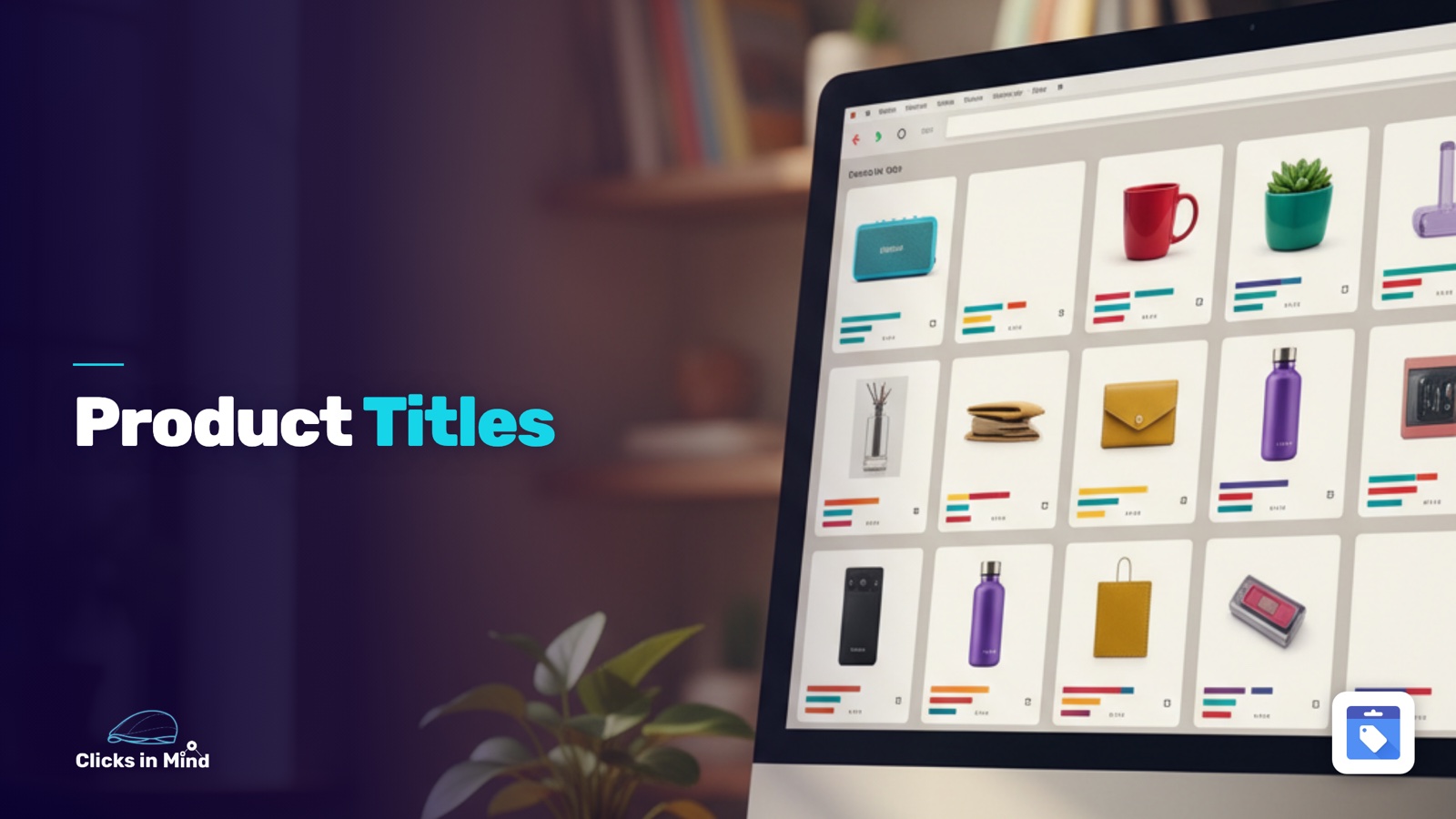
The product title is the title attribute in your product feed. It’s the text shown above your product image in the Shopping ad and the free Shopping listing. More important than what the shopper sees is what happens behind the scenes: Google treats this text as one of the strongest signals for deciding which searches your product fits.
For your product to surface on the right search, the systems need to read what you sell, what it does, and who it’s for. Those three questions are the backbone of a good title. A title like “Model 2024 black” answers none of them. A title like “Nike Women’s Running Jacket water-repellent Black Size M” answers all three in one line.
My take: the more Google and other systems lean on AI, the more the context you provide about a product matters. You provide that context through the product feed, above all through the title, because it carries the most weight. The more completely and clearly you describe the product there, the better the odds it gets matched to the right search.
A thin title is a gap in the signal.
There’s a second thing worth saying: you write the title for the machine first, not the human. In the ad, the shopper mostly sees the image and the price. The title text is only briefly visible and rarely the reason for the click. For matching to a search, though, it’s the decisive piece. So describe the product as fully as you can, with attributes and benefits a human barely reads in a title. Pretty brevity isn’t the goal here. The depth that goes beyond the title is then carried by the product description.
Two hard rules from Google are worth knowing. The title can be up to 150 characters long. And in most ad formats, only the first 70 characters or so are visible, the rest gets cut off. (Source: Google Merchant Center, title attribute.) That gives you the single most important rule of thumb: the essentials go first.
Why is the feed your only lever in Shopping and Performance Max?
With classic search ads, you write ad copy and tweak headlines and descriptions. With Shopping campaigns, that lever doesn’t exist at all. The ad is built entirely from your product feed: title, image, price.
With Performance Max, there are ad texts and image assets in the asset groups. In e-commerce, though, the ads that actually serve are mostly product-based (Product Data Ads), both in Shopping and across Display and Discover. Those pull from the product feed.
Either way, the road leads to the feed. When the ad that serves is built from the feed, then feed quality is ad quality.
The text field with the most weight for matching to a search is the title. That makes feed work the real place to optimize in e-commerce.
There’s a second effect: the same feed also powers dynamic remarketing. Someone who already visited your shop later sees ads with the products they viewed, and there too, titles and data come from the feed.
A well-maintained feed pays off in several places at once. How dynamic remarketing is set up, I’ve covered in the post on dynamic remarketing campaigns.
Which building blocks belong in a product title?
Google recommends including the product name, the brand (when it’s a buying factor), and the distinguishing attributes, meaning things like color, size, material, or a feature like “waterproof.” Almost every good title is made of these blocks. What matters more than having all of them is the order.
The brand goes first when it drives the buying decision. For apparel, electronics, or branded cosmetics, many shoppers search for the maker by name. For unbranded products or no-name private labels, the brand is a weak signal, so the product type leads.
The product type is the term a shopper uses to search. Not “Model GSR 18V-50,” but “cordless drill.” The product type is the anchor that matching hangs on, so it can never be missing and belongs near the front.
The distinguishing attributes are everything that separates one variant from another: color, size, material, quantity, model year. They make sure someone searching for “running jacket black women” finds your black women’s variant and not the blue men’s one.
Which attributes those are in detail is worth a quick bit of research up front. Look at the modifiers shoppers actually search with, whether “waterproof,” “wireless,” “gluten-free,” or “height-adjustable.”
You then add those terms to the title. A small bit of keyword research before you build the title pays off, because you supply the words people search for and make it easier for Google to match your product to the right search.
What doesn’t belong in the title is just as important as what does. Price, shipping, and promotional claims have no place there, that’s what the dedicated feed fields are for. More on that in the mistakes section.
You want more results with Google Ads?
Get a free Google Ads Reality Check: a compact video (about 10 minutes) showing where budget is slipping away in your account and what to change.
Get your Google Ads Reality Check →
How do you build a product title step by step?
When you assemble a title from scratch, this order helps:
- Set the product type: Which term does your shopper use? That’s the core of the title.
- Put the brand in front when it counts: Up front for known brands, dropped or moved to the end for private labels.
- Add the distinguishing attributes: Color, size, material, or model, so each variant is unambiguous.
- Order by importance: Whatever is most searched goes in the first 70 characters.
- Check it against the rules: Maximum 150 characters, no promotional phrases, no price, correct spelling.
The result is a dense, readable string of the relevant facts, not a creative ad line. A title is allowed to read a little “technical,” as long as a human can read it without stumbling.
How do you structure product titles by product type?
The ground rules apply to all products. Which blocks work best in which order depends on the product type. A shopper buying apparel searches differently than one buying electronics. The structures below have proven to be solid starting points, derived from Google’s principle of putting each category’s distinguishing attributes first.
One block that often goes missing is the intended use, meaning the occasion or purpose a product is used for. Many shoppers search by it, like “running jacket for jogging” or “desk for the home office.” When there’s still room before the 150-character limit, the intended use goes at the end.
Apparel and accessories
Here, brand, gender or age group, and the product attributes matter. A proven order:
Brand + Gender/Age group + Product type + Material/Feature + Color + Size + Intended use
Example: Nike Women's Running Jacket water-repellent Black Size M for trail running
Gender and size are real buying factors for apparel and belong prominently in the title, not just in the separate attributes. The intended use at the end (“for trail running”) captures extra searches while there’s still room.
Electronics
For electronics, shoppers often search by brand and model number, plus the decisive technical feature. A proven order:
Brand + Product type + Model + Technical feature + Variant + Intended use
Example: Bosch Cordless Drill GSR 18V-50 with 2 batteries 18 Volt for DIY
The model number here is often the exact search term, not just an extra. It still can’t replace the product type, or the broader search for “cordless drill” is lost.
Food, beverages, and beauty
For consumables, the flavor or variety and the quantity matter. A proven order:
Brand + Product name + Flavor/Variety + Size/Quantity + Intended use
Example: Quaker Organic Muesli Chocolate Banana 575 g for breakfast
The quantity is a frequent search component here, especially for products that get reordered regularly. As intended use, diet or occasion notes like “vegan,” “gluten-free,” or “for breakfast” often fit, when they match the product.
Furniture and hard goods
For furniture and larger durable goods, dimensions, material, and function are the distinguishing attributes. A proven order:
Brand + Product type + Function + Material + Dimensions + Intended use
Example: IKEA Desk height-adjustable Oak 120x60 cm for the home office
Dimensions are often decisive for furniture and should sit in the visible part of the title.
For the finer work per category, with more examples per range, I’ll follow up with a dedicated post on title templates. Until then, these four structures are a good starting point you carry over to your own catalog.
How long should a product title be?
Google allows up to 150 characters, and it’s worth using the space as long as every addition carries real information. More relevant attributes in the title mean more hooks for matching searches. A title that stops after 30 characters wastes that room.
What matters is the split. In most ad formats, only the first 70 characters or so are visible. What comes after helps matching in the background but often isn’t shown to the shopper. So use the first 70 characters for what drives the buying decision (brand, product type, key feature), and the rest up to 150 for supporting attributes.
A good candidate for the back half is the intended use. It carries real search information and fills the space sensibly, without padding the title with repetition.
Stretching the title just to hit 150 characters does nothing. Repetition or a pile of search terms with no meaning hurts more than it helps. A dense, honest title with 90 meaningful characters beats 150 characters of filler.
Which mistakes cost you visibility?
By far the most common mistake isn’t a detail, it’s the big picture: not optimizing the title at all. A lot of shops just take the product name from the shop system and leave it there.
Yet the title is among the most important things in the whole feed. If you do only one thing to your feed, do the titles.
The concrete mistakes below usually come on top.
Promotional phrases in the title. “Sale,” “top deal,” “free shipping,” or exclamation marks don’t belong in the title, per Google. Promotional claims can even get the product disapproved, because they violate the requirements for the title attribute. You signal discounts and offers through the fields built for that, not the title.
Price or shipping in the title. This information belongs in dedicated attributes, not the text. A price in the title goes stale fast and takes up room that distinguishing attributes use better.
Excessive capitalization. All-caps titles or single SHOUTED words read like advertising and violate the rules. Write normally, the way the product name is actually spelled.
Keyword stuffing. Repeating the same term or stringing together ten search words makes the title neither more findable nor more readable. Each term should appear once and describe a real aspect of the product.
The important part too late. When brand and product type only come after 80 characters, the shopper often sees nothing but side details in the ad. You catch this by reading the title up to the 70th character.
One mistake deserves its own look, because it stays unnoticed so often.
The most common mistake: identical titles across variants
Many shops give all variants of a product the same title, like “Basic T-Shirt” for every color and size. That loses you exactly the searches that are most ready to buy: “T-shirt black size L” then won’t clearly find your black L variant.
Google explicitly recommends writing the distinguishing details of each variant into the title, so “Google T-Shirt, Red” instead of just “Google T-Shirt.” In practice, that means color, size, or the separating feature belongs in every single variant title. For large catalogs, you don’t do this by hand but through rule-based titles that append those attributes automatically.
How do you maintain titles across many products?
Here’s a simple rule of thumb: under about 100 products, you don’t need a feed management tool. With a manageable catalog, you maintain the titles directly in the shop system or through a supplemental feed, an additional feed that overwrites individual fields without touching the main feed. My advice in that case: sit down once and fill out everything as well as you can for every single product in one pass. It’s grunt work, but it pays off because you only do it cleanly once.
Only with larger catalogs that run into the hundreds or thousands does this become unmanageable by hand. That’s when feed management tools come in. Channable, for example, builds titles rule-based from your existing attributes, so “Brand + Product type + Color + Size” is generated automatically for every product and updates itself on changes. That’s just one option, and there are others like DataFeedWatch. Each deserves its own post, so I’m only touching on it here.
Both paths share the same core: you define the logic once and apply it to the whole catalog instead of typing each title individually. Which path fits depends on your shop system and the size of your catalog.
Clean titles are the groundwork here, not the goal. They make sure your campaigns hit the right searches in the first place. What you tune in the campaign itself afterward, I’ve covered in the post on optimizing Performance Max campaigns. And if you run a feed-only PMax campaign, the feed carries practically the whole campaign, which makes the title the most important text signal you have. Where titles get served and when standard Shopping is worth it, you’ll find in the comparison PMax vs. standard Shopping.
FAQ: Common questions about product titles
Does the brand always belong at the start of the title?
Not always. When the brand is a buying factor, meaning for apparel, electronics, or well-known branded cosmetics, it goes up front. For private labels or no-name products nobody searches for by name, the product type leads instead, and the brand sits further back or drops out.
Can I put keywords in the product title?
Yes, but as real product attributes, not a list of search words. Terms like “waterproof,” “organic,” or “height-adjustable” make sense when they describe the product accurately and a shopper searches for them. Repeating the same word or stringing together unrelated terms hurts, because it violates the requirements for clean, readable titles.
What happens if all variants have the same title?
Then your variants can’t be clearly matched to specific searches, and you lose exactly the ready-to-buy queries like “shoes black size 42.” Google recommends writing each variant’s distinguishing details into the title. The fix is to add color, size, or the separating feature to every variant title, rule-based through a feed tool for large catalogs.
Conclusion
The product title is one of the most important levers in e-commerce, because in Shopping and Performance Max the ad is built from the feed and there’s practically nothing to optimize at the ad level. Get brand, product type, and the distinguishing attributes in, put the most important parts in the first 70 characters, stay under the 150-character limit, and keep promotional phrases, prices, and capitalization out. A separate order per product type pays off, because an apparel shopper searches differently than an electronics shopper. And remember: you write the title for the machine, so fill it out as completely as you can.
The most honest next step is unspectacular: take your 20 best-selling products and read their titles up to the 70th character. You’ll quickly see where the important part sits too far back or where variants aren’t distinguishable. That’s the lever with the best ratio of effort to impact, before you roll the whole thing out across the full catalog through a feed tool.
Thanks for reading this far. Good luck putting it into practice!
Work smart with Clicks in Mind
You might also like
 Shopping
 Brand Shopping Campaigns Made Simple
A brand Shopping campaign separates branded searches from generic traffic. Here's the setup with campaign priorities and brand negatives, step by step.
Read more → Shopping
 Merchant Center Errors: How to Fix Disapproved Products
Merchant Center errors stop your Shopping ads. Here are the typical product-level issues from GTIN to price mismatch, with causes and fixes.
Read more → Shopping
 Google Shopping Supplemental Feeds: How to Fix and Enrich Your Product Data
A supplemental feed adds or overrides individual attributes in your Shopping feed without touching the primary feed. Here's what it does, how to set one up, and when it's worth it.
Read more →You want more results with Google Ads?
Get a free Google Ads Reality Check: a compact video (about 10 minutes) showing where budget is slipping away in your account and what to change.
Get your Google Ads Reality Check